
Blog
What Are the Signs You Need an HP DeskJet 3700 Ink Cartridge Replacement?

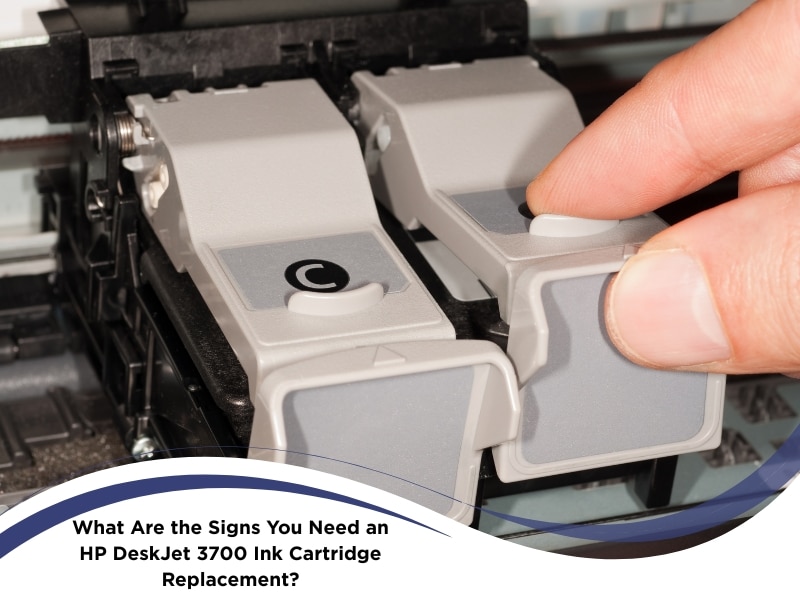
Your office printer might seem fine until your HP DeskJet 3700 starts producing weak, washed‑out prints or warning alerts. In many business settings, ink troubles emerge subtly until they interrupt workflows. This article explores how to spot the signs that demand HP Deskjet 3700 ink cartridge replacement so you can act before print quality and productivity suffer.
Why does your HP DeskJet 3700 print faded or streaky pages?
The HP DeskJet 3700 prints faded or streaky pages whenever the ink cartridge cannot deliver a consistent supply to the print head, causing output that lacks density or has uneven lines. In commercial offices, that defect quickly becomes visible in client documents, invoices, or internal reports. Here are the causes behind those faded or streaky prints:
- Ink level falls below threshold, leading to patchy output and weak coverage on heavier pages
- Clogged or dried print head obstruction restricts ink ejection symmetry across the full width
- Misaligned carriage shifts the nozzle alignment, causing uneven lines or missing segments
- Non‑standard or counterfeit cartridges mismatch the nozzle specs, diminishing flow and clarity
When those causes coexist, even cleaning utilities may fail to restore clarity. That suggests the cartridge itself is failing. In a busy office, recognising this early prevents time wasted on repeated prints or manual fixes, and replacing the cartridge often restores consistent output immediately. That’s when it’s time to consider trusted ink cartridge solutions for long-lasting print quality.
How can print quality issues signal an HP Deskjet 3700 ink cartridge replacement?
Print quality issues act like flags: when you see them, they often correlate with cartridge degradation and warn you that the time for replacement is near. In a business setting, noticing them early means fewer interruptions during critical print runs. Here are the tell‑tale signs to look for:
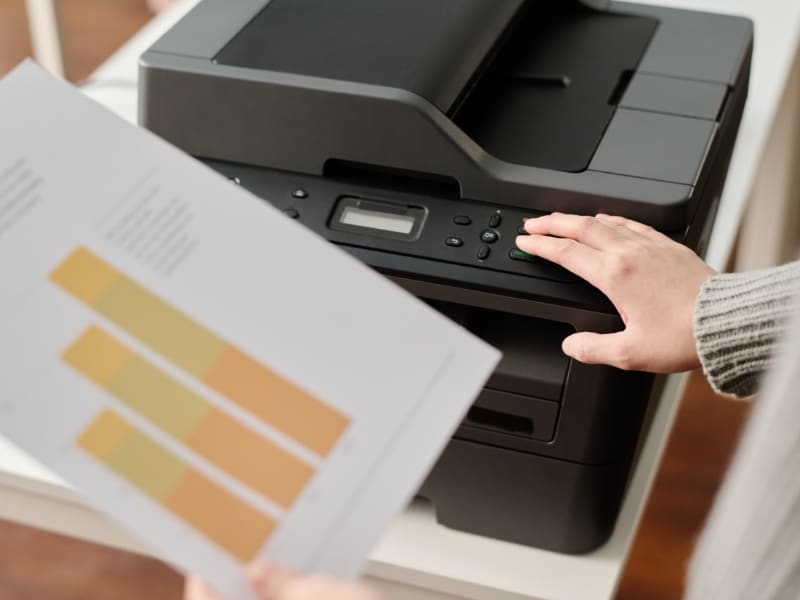
- Light, washed text where headers or bold fonts appear faint or uneven across adjacent lines
- Horizontal white bands slicing through pages, indicating nozzle rows failing to deliver ink
- Colour drift or tint shifts, especially visible in logos or branded graphics with distorted hues
- Uneven saturation where shaded regions or gradients show blotches or inconsistent density
These symptoms suggest your cartridge isn’t delivering consistent ink flow. That’s the moment to step back and think about what to look for in a replacement. Understanding the factors to consider before buying new ink cartridges helps avoid choosing the wrong type and ensures your printer gets the best match for business reliability.
Could delaying an HP Deskjet 3700 ink cartridge replacement cause printer damage?
Delaying a cartridge replacement doesn’t simply degrade output—it can damage internal mechanisms. In office environments with frequent use, those damages compound over time, potentially reducing printer lifespan. Here are the risks you face:
- Print head overheats trying to coax residual ink, subjecting sensitive nozzles to thermal stress
- Dried ink residue accumulates inside nozzle channels, blocking fluid paths permanently
- Carriage bar scrapes low‑ink surfaces, risking abrasion or misalignment in the printer frame
- Degraded solvent residues may leak or deposit film inside internal paths, interfering with motion
When these kinds of issues arise, it’s often not just about the timing of replacement but the type of cartridge being used. Knowing how cartridge types impact print clarity can help you avoid future problems and make smarter decisions for long-term printer performance.
What happens if your HP Deskjet 3700 keeps running on low ink?
Operating under low ink is a slow degradation process, where performance declines gradually rather than crashing all at once. For offices, that means creeping inefficiencies and rising waste. Here are the ongoing effects of operating on low ink:
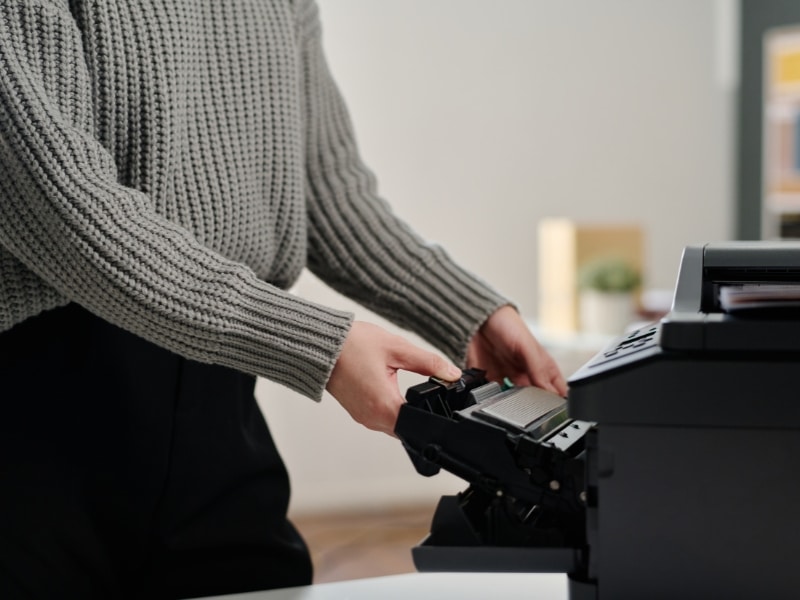
- Printing speed may slow, or jobs may pause mid‑task, disrupting schedules and deadlines
- Start and end pages of print jobs become noticeably fainter, reducing consistency
- Print head endures additional stress and friction, hastening mechanical wear over time
- Colour registration becomes unstable, leading to misaligned layering or slight smudging
- Increased reprint volumes waste paper, increase cost, and lower staff confidence
Although printing may continue for a while, overall reliability declines every day. Offices that treat this quietly creeping problem often find themselves in last‑minute emergencies. Factoring in sustainable ways to manage electronic waste and energy use ensures that your replacement choices keep operational efficiency in line with environmental responsibility.
When should you consider an HP Deskjet 3700 ink cartridge replacement?
You should plan a replacement when warning signs accumulate or performance deteriorates beyond occasional cleaning fixes. In business environments, staying ahead of failure preserves workflow. Here are indicators to help with timing your replacement:
- Printer panel or bundled software issues “low ink” alerts or repeats diminishing warnings
- One or more of the print defects persist even after running cleaning cycles
- You are about to begin a large print run, such as reports or marketing materials
- Resetting or cleaning didn’t improve output, and the defects reappeared
Replacing slightly before total failure maintains uptime, preserves printer health, and eliminates panic orders. For businesses, that proactive approach often saves both time and money over reactive replacements.
What should you check before buying replacement ink cartridges online?
Before placing any cartridge order for office use, you must verify compatibility, quality, and supplier credibility to prevent receiving the wrong or faulty product. Here are the checks you should carry out:
- Confirm the exact cartridge model (e.g. HP 65, 67) matches your DeskJet 3700 specification
- Compare OEM vs compatible vs remanufactured options, considering their yields and reliability
- Verify that the seller provides expiry or batch codes, warranty, and clear return policies
- Request sample test print assurances or guarantee clauses in the vendor’s listing
| Cartridge Type | Typical Cost | Reliability | Expected Yield |
| OEM / Genuine HP | Higher | Very High | Specified by the HP official |
| High‑quality compatible | Moderate | Reliable | Slightly less than OEM |
| Remanufactured / refill | Low | Variable | Depends heavily on rebuild quality |
Emphasising reputable supply channels and verification steps reduces risk. Also check shipping speed, sealed packaging, and seller feedback. Those due diligence steps prevent receiving incompatible cartridges that disrupt office operations.
Final thoughts on keeping your HP DeskJet 3700 running efficiently
In office environments, maintaining uninterrupted print performance is essential. Implementing timely cartridge replacement, understanding warning signals, and vetting cartridge purchases all contribute to smooth workflows, lower waste, and consistent document quality. When you need new cartridges or expert support, discover how Buy Cartridge provides reliable ink cartridges across Australia. Taking a proactive stance toward print health is far better than scrambling when problems arise.