
Blog
How to Choose the Best Ink Cartridges for HP Printers?

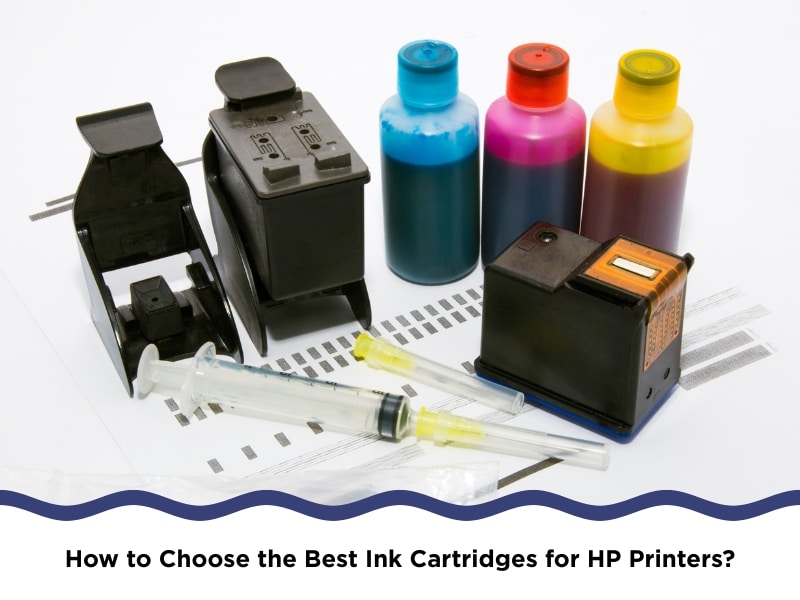
Getting the best ink cartridges for HP printers isn’t about chasing bargains — it’s about making sure your printer works properly and doesn’t cause drama. Anyone who’s been stuck mid-print with streaky ink or an “unrecognised cartridge” error knows it’s not worth gambling on the wrong one. Cartridges aren’t all the same. They can affect how sharp your prints look, how long your printer lasts, and even how much you end up spending down the line. This article explores what actually matters when you’re choosing ink that works for — not against — your HP printer.
Why do HP printers often have ink cartridge issues?
HP printers often act up when the ink cartridge doesn’t match, is old, or wasn’t installed properly. These problems aren’t rare — they’re surprisingly common and usually linked to poor cartridge compatibility. Here are the common hiccups HP printers face when it comes to cartridges:
- The printer doesn’t recognise the cartridge, often because the chip isn’t compatible or is outdated. This isn’t exclusive to third-party options — even OEM cartridges can misfire after firmware updates.
- Ink clogs up the nozzles, especially when printers sit unused for too long. HP print heads are precise, and dry ink can easily block them.
- Off-brand cartridges sometimes disrupt ink flow, causing faint lines or missing sections. This usually comes down to mismatched ink formulas.
- Installing a cartridge incorrectly, even by a small amount, stops the chip from connecting properly with the printer’s contacts.
These problems don’t always show up immediately, which makes them harder to spot — until your prints go haywire or your printer starts throwing error messages.
What happens when you use the wrong ink cartridge type?
Using the wrong ink cartridge doesn’t always break your printer right away — but it can throw off everything from print alignment to colour output. And it’ll usually end up costing more than you saved. Here are the main side effects of using the wrong type of ink:
- You’ll probably see a cartridge error message, stopping the printer from working altogether. Some models won’t even let you bypass it.
- Ink can leak internally, especially when the wrong shape or fit lets air or pressure build up. This mess isn’t always visible from the outside.
- Print yields drop, and not by a little — using off-spec ink often leads to up to 40% fewer pages.
- Colours might look off, especially when the ink reacts differently to HP’s printing heat and paper settings. This affects photos the most.
It’s a common mistake, but one that tends to lead to frustration, extra expenses, or a rushed trip to replace your cartridge mid-print job.
Can poor-quality ink cartridges damage HP printers over time?
Yes, they can — often in ways that aren’t obvious at first. Poorly made cartridges can look fine, but quietly mess with print quality and hardware. Here’s how poor ink quality tends to wear down HP printers:
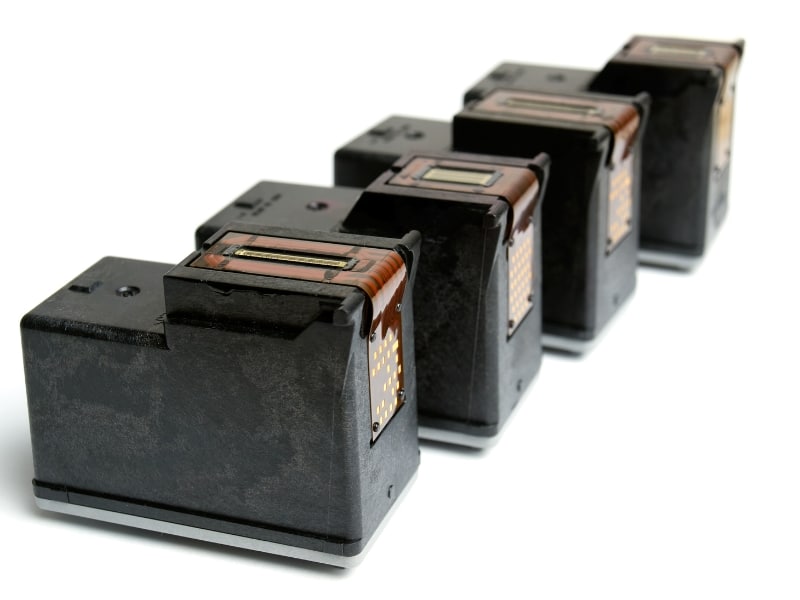
- Leftover ink builds up in the print heads, causing clogging and wasted ink over time. HP’s nozzles are tiny, and even slightly thick ink causes problems.
- Cheap cartridges might split or crack, especially in warmer climates or when stored badly. Leaks can destroy sensors or short components inside.
- Ink isn’t always consistent, and when pigments separate or dry too fast, your text can end up looking faded or patchy.
- Firmware issues crop up, especially with generic chips that don’t keep up with HP updates. These lead to cartridge lockouts.
Your best bet? Stick with high-quality ink cartridges for HP printers. They’re tested for flow rate, chip accuracy, and yield — which means less time troubleshooting and more time printing.
Which features define the best ink cartridges for HP printers?
Good ink cartridges don’t give you surprises. They fit, print cleanly, and don’t need fiddling every time you install one. More importantly, they protect your printer’s internals over time. Here are the features that separate good cartridges from bad ones:
- Exact fit for your printer model, including series codes like 910XL or 67. Even one number off can make the printer reject it.
- Ink that prints clearly, tested for fast drying and solid coverage. This matters most on coloured or glossy paper.
- Chips that talk to your printer, allowing ink level monitoring and proper calibration. Without a working chip, the printer might stop mid-job.
- A sturdy build, including secure seals and no flimsy joints. Some models also have moisture barriers to stop drying out in storage.
People often assume third-party means poor quality, but many brands now make compatible cartridges that work just as well — sometimes better — than original ones.
Comparison of OEM vs Compatible HP Cartridges
| Feature | OEM Cartridges | Compatible Cartridges |
| Cost | High | Lower |
| Print Quality | Excellent | Can match (if well-made) |
| Chip Recognition | Always | Good (with trusted suppliers) |
| Page Yield | Predictable | Often comparable |
| Eco-Friendliness | Lower | Higher (with recycled content) |
Are the best ink cartridges for HP printers more eco-friendly?
Many people don’t realise how much plastic and waste one cartridge creates. Thankfully, some manufacturers have been moving toward eco-friendlier options — and they’re surprisingly easy to find now. Here are the eco features to look out for when choosing ink cartridges:
- Casing made from recycled plastic, which keeps plastic out of landfills and lowers the product’s carbon footprint.
- Minimal packaging, often using paper or cardboard instead of hard plastic. Some even skip individual boxing entirely.
- Return or refill programs, where you send back empties for recycling or get discounts on your next order.
- Less toxic ink blends, which reduce emissions and are safer for long-term use at home or around kids.
If you’re trying to cut down on waste, check out simple ways to recycle electronic products — you’ll find that ink cartridges are included at most drop-off spots nationwide.
What should you check before buying ink cartridges for your HP printer?
There’s no shortage of cartridges out there, especially online, where dozens of options claim to fit your HP model. But not all listings are accurate — and some can be misleading. When shopping online, you don’t get to physically check the box, so a closer look at the details becomes even more important.
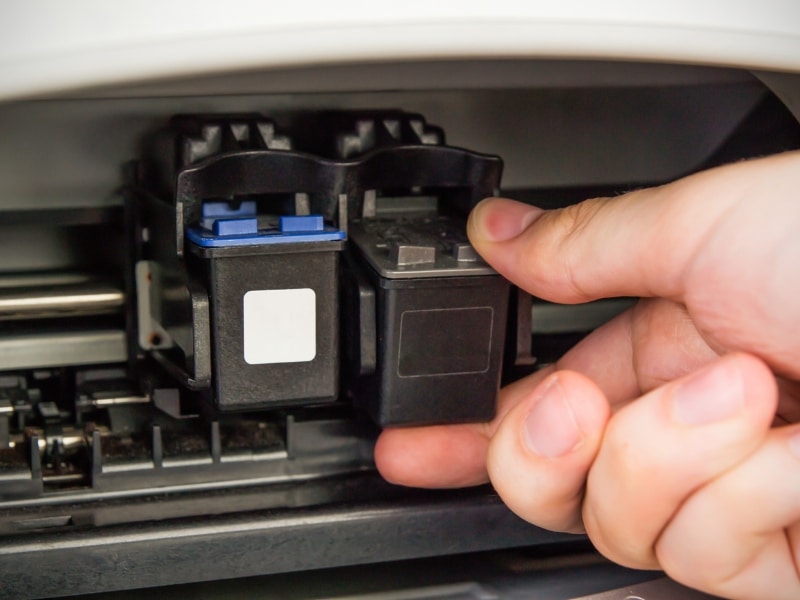
- Model number matches your printer, including the cartridge series (not just “for HP”). Numbers like 61, 64XL or 915XL aren’t interchangeable.
- Look for tamper-proof seals, and check expiry dates if printed. Ink does dry out even if unopened.
- Compare how much ink it holds, usually listed in page yield (like 300 pages). Higher yields save money in the long run.
- Make sure there’s a return policy, especially when buying online. If the chip fails or it’s the wrong fit, you’ll want that backup.
Spend an extra minute checking the details before buying online, and you’ll dodge plenty of hassle — your printer will thank you for it.
Final thoughts
You don’t need to overthink cartridges, but you do need to choose smart. The right ink won’t just save you money — it protects your printer, keeps your prints sharp, and avoids mid-job meltdowns. Whether you print for work, study, or anything in between, reliable cartridges make all the difference. If you’re after a more straightforward way to get what you need, see how Buy Cartridge simplifies your printer cartridge needs. It’s one less thing to worry about next time you hit print.